
Join us on the Community Forums!
-
Community Guidelines
The Fitbit Community is a gathering place for real people who wish to exchange ideas, solutions, tips, techniques, and insight about the Fitbit products and services they love. By joining our Community, you agree to uphold these guidelines, so please take a moment to look them over. -
Learn the Basics
Check out our Frequently Asked Questions page for information on Community features, and tips to make the most of your time here. -
Join the Community!
Join an existing conversation, or start a new thread to ask your question. Creating your account is completely free, and takes about a minute.
Not finding your answer on the Community Forums?
- Community
- Product Help Forums
- Other Versa Smartwatches
- Show Me Your (Clock) Face!
- Mark Topic as New
- Mark Topic as Read
- Float this Topic for Current User
- Bookmark
- Subscribe
- Mute
- Printer Friendly Page
- Community
- Product Help Forums
- Other Versa Smartwatches
- Show Me Your (Clock) Face!
Show Me Your (Clock) Face!
- Mark Topic as New
- Mark Topic as Read
- Float this Topic for Current User
- Bookmark
- Subscribe
- Mute
- Printer Friendly Page


Currently clock faces need to be downloaded through the Fitbit app or the user may go to dev.fitbit.com and design there own app.
I do not know how many faces there are for the Versa but the Ionic has over 200. I'll assume many will be ported over to the Versa soon since they both run the same OS.

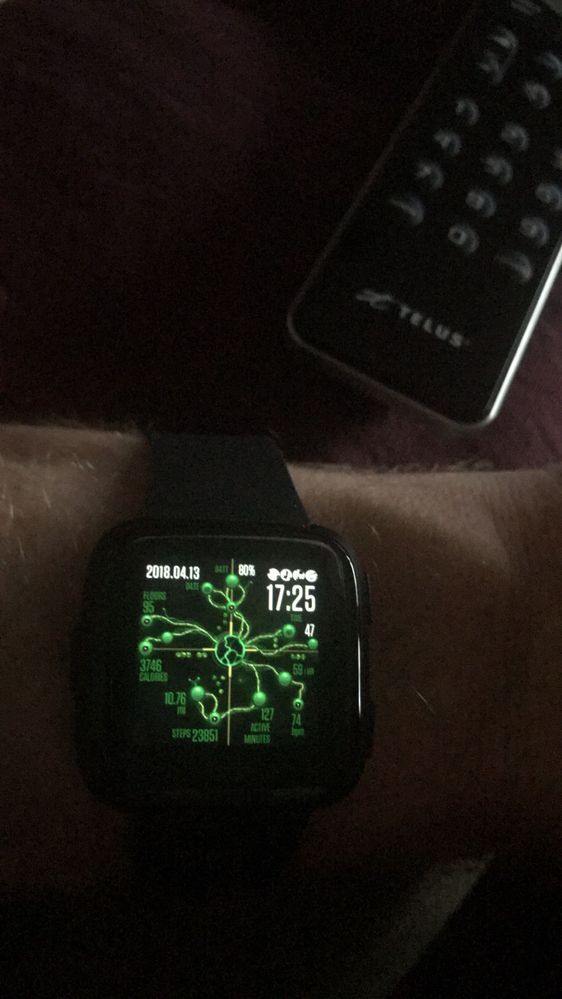

SunsetRunner
@Rich_Laue wrote:I do not know how many faces there are for the Versa but the Ionic has over 200. I'll assume many will be ported over to the Versa soon since they both run the same OS.
Believe it or not, Rich, there are 456 for Iconic now as cataloged and alphabetized by Gunny HERE.
And yet still no easy way to locate what your looking for.
I would like one that shows battery level, and has the option to stay on, multiple timezones, etc.

was there an option of a watchface that shows the seconds in a minute and the date with the day? Registered nurse over here and counting resp rates helps with the seconds and then shift work.. really helps to have the day and date when documenting and talking to patients
SunsetRunner
@Geeoorgieporgie wrote:was there an option of a watchface that shows the seconds in a minute and the date with the day? Registered nurse over here and counting resp rates helps with the seconds and then shift work.. really helps to have the day and date when documenting and talking to patients
I'm sure there are others which you will have to search the All Clocks listing to find but I use the ASK clock face which has everything you require and then some. You will find it under Digital in the All Clocks listing.
Thanks! does anyone know if we can make our own? I just got my versa today and am still falling in love

I believe you need coding experience to create your own watch face, but the Versa has loads and coming from a Charge 2 which only has a handful of options this is a really good amount of choice!
I also think more will become available as time goes on and developers get onboard with the OS.

You can make your own but you need to be familiar with coding for it (You can see more info on how to get started here).
If you want something a bit simpler, the Maker face is ultra customisable (Details on everything you can change and how here). Disclaimer that I've not tried Maker yet, just read the page/watched the video while I was waiting for my Versa to arrive.
 Best Answer
SunsetRunner
I was EXTREMELY disappointed to see that the "Moment" watch face that's available for the Ionic is NOT available for the Versa. That was just absolutely perfect. Given that I have both trackers, this is one thing I'm "evaluating" about whether to keep the Versa or just return it.

I got this off the fitbit clock 'store' it is perfect for me, it shows battery, steps (I took the pic yesterday night so the steps on that aren't accurate), heart rate, time and seconds, date, weather, and if it's connected to my device. It's everything I need and it's free!

Want Spotify for Versa? Click Here to Vote!
Click Here to Vote for Low Power Mode!


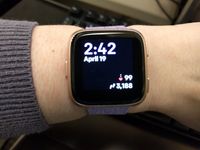

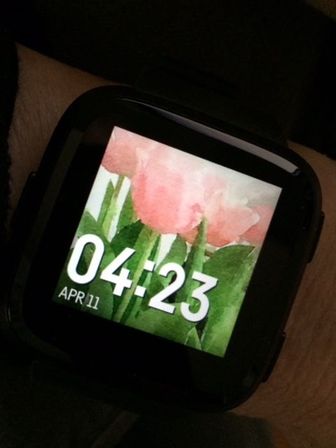
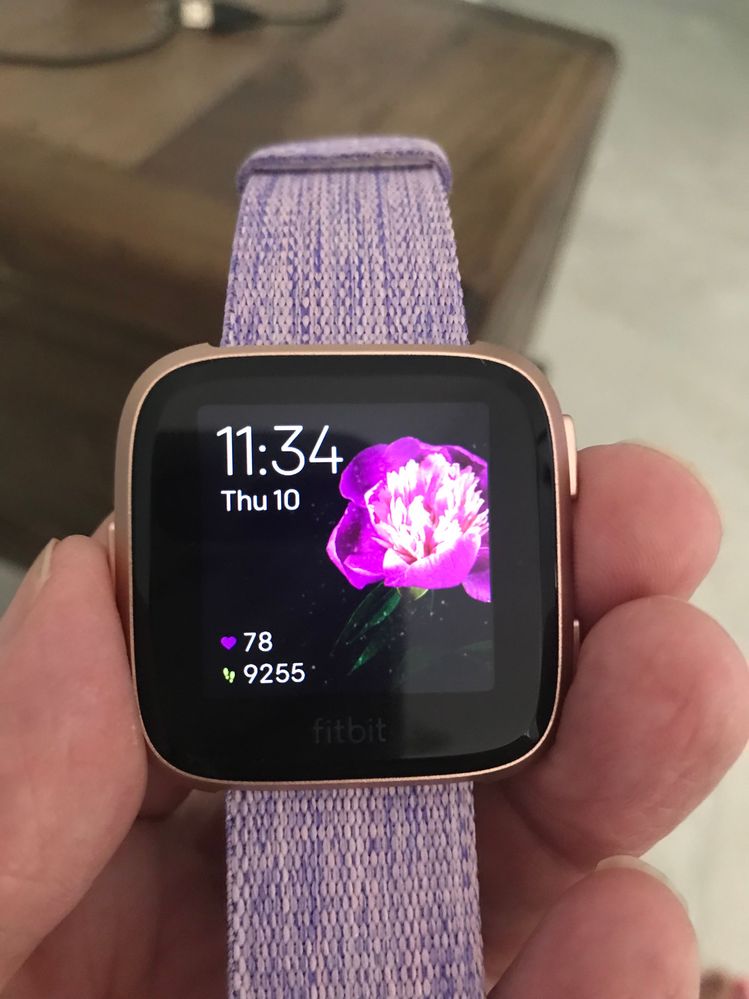
I was also underwhelmed. I wanted something pretty like you can get for Apple Watch. I found this one called Bloom when I looked at all clocks, and it cost $1 after a 24 hour demo. The flower starts out closed, and it opens as you approach your step goal.
SunsetRunner
@Shannonyb99 wrote:I picked a clock face that I like, but everything I go to my Versa it shows me the Battery Charging Screen. I have to tap again to see the clock face. Is there a way to change this?
You should only see the battery charging screen when it is actually charging. Try a RESTART, Shannon and do it several times if necessary.

Hey, fellow nurse here. I haven’t been able to find a face for us in the store just yet. Hopefully someone will produce one soon.
Actually i just just saw one called ‘Mountain Clock’ it looks like it has seconds