
Join us on the Community Forums!
-
Community Guidelines
The Fitbit Community is a gathering place for real people who wish to exchange ideas, solutions, tips, techniques, and insight about the Fitbit products and services they love. By joining our Community, you agree to uphold these guidelines, so please take a moment to look them over. -
Learn the Basics
Check out our Frequently Asked Questions page for information on Community features, and tips to make the most of your time here. -
Join the Community!
Join an existing conversation, or start a new thread to ask your question. Creating your account is completely free, and takes about a minute.
Not finding your answer on the Community Forums?
- Community
- Features
- Third-Party Integrations
- FitBit account won't connect to MINDBODY app
- Mark Topic as New
- Mark Topic as Read
- Float this Topic for Current User
- Bookmark
- Subscribe
- Mute
- Printer Friendly Page
- Community
- Features
- Third-Party Integrations
- FitBit account won't connect to MINDBODY app
FitBit account won't connect to MINDBODY app
ANSWERED- Mark Topic as New
- Mark Topic as Read
- Float this Topic for Current User
- Bookmark
- Subscribe
- Mute
- Printer Friendly Page

Hi All,
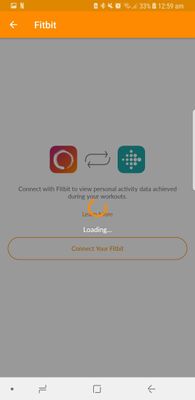
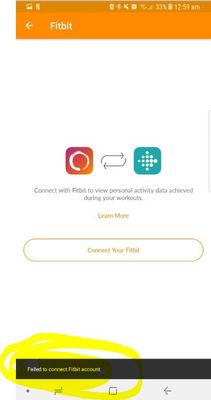
I previously had a Samsung Galaxy Note 5 and my fitbit account and MINDBODY app were synced perfectly. 2 weeks ago I got the Galaxy Note 8, tried to resync my fitbit account to the MINDBODY app and no such luck. I have been through absolutely every troubleshooting step with the support team at MINDBODY and no luck again.
I tried going back to my old phone to sync thinking that it was possibly the new phone or something but it happened again so its not the phone either.
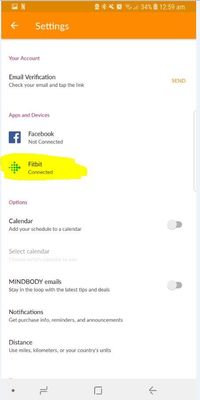
I have attached some photos for you to see the issues I am having. You will see in the pics it says "couldnt connect to fitbit" and then it says "connected" but I can a
ssure you it is definitely not connected.
Has this happened to anyone else recently? How did you fix it?
Thanks 🙂
Answered! Go to the Best Answer.
 Best Answer
Accepted Solutions
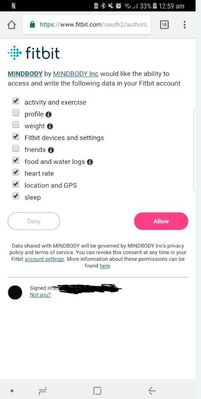
I found the solution. Previously when I wanted to connect the two I would un-tick sharing weight, friends and profile. I just tried to connect it and left everything ticked and it connected. I am guessing it is the "profile" that needs to be ticked rather than sharing everything individually (activity and exercise, heart rate, etc.)
Best Answer
Hi Rich, thanks for your reply.
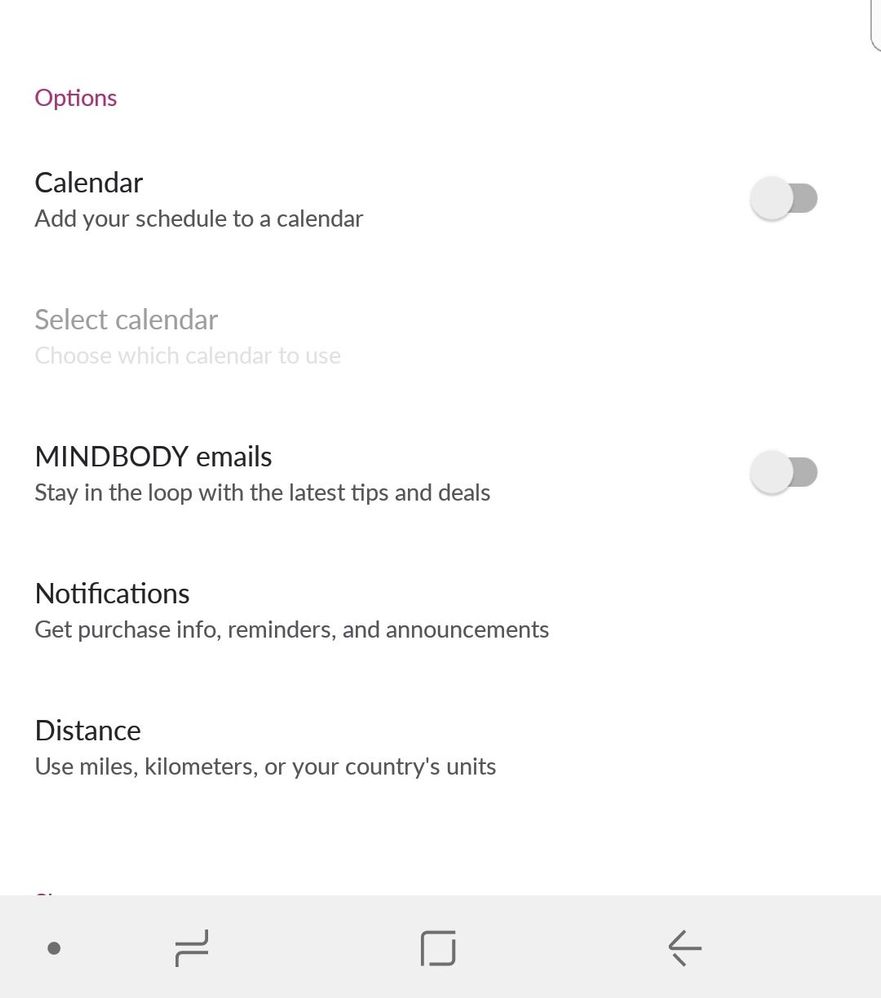
Do you mean in this section? Nothing changes Unfortunately 😞
Best Answer
Does it show as being connected here, if so then revoke access, wait 15 minutes and set it up again.
If this doesn't work you will have to ask mind body. Fitbit is not responsible for their connection.
Best Answer
Best Answer
Then mindbody needs to conttact Fitbit so that the two companies can troubleshoot together.
Best Answer
I found the solution. Previously when I wanted to connect the two I would un-tick sharing weight, friends and profile. I just tried to connect it and left everything ticked and it connected. I am guessing it is the "profile" that needs to be ticked rather than sharing everything individually (activity and exercise, heart rate, etc.)
Best Answer