
Join us on the Community Forums!
-
Community Guidelines
The Fitbit Community is a gathering place for real people who wish to exchange ideas, solutions, tips, techniques, and insight about the Fitbit products and services they love. By joining our Community, you agree to uphold these guidelines, so please take a moment to look them over. -
Learn the Basics
Check out our Frequently Asked Questions page for information on Community features, and tips to make the most of your time here. -
Join the Community!
Join an existing conversation, or start a new thread to ask your question. Creating your account is completely free, and takes about a minute.
Not finding your answer on the Community Forums?
- Community
- Product Help Forums
- Blaze
- Re: Error: Can't clear cold temperature Screen
- Mark Topic as New
- Mark Topic as Read
- Float this Topic for Current User
- Bookmark
- Subscribe
- Mute
- Printer Friendly Page
- Community
- Product Help Forums
- Blaze
- Re: Error: Can't clear cold temperature Screen
Cold temperature Screen
- Mark Topic as New
- Mark Topic as Read
- Float this Topic for Current User
- Bookmark
- Subscribe
- Mute
- Printer Friendly Page
11-27-2016
00:40
- last edited on
11-19-2017
07:06
by
AlejandraFitbit


11-27-2016
00:40
- last edited on
11-19-2017
07:06
by
AlejandraFitbit
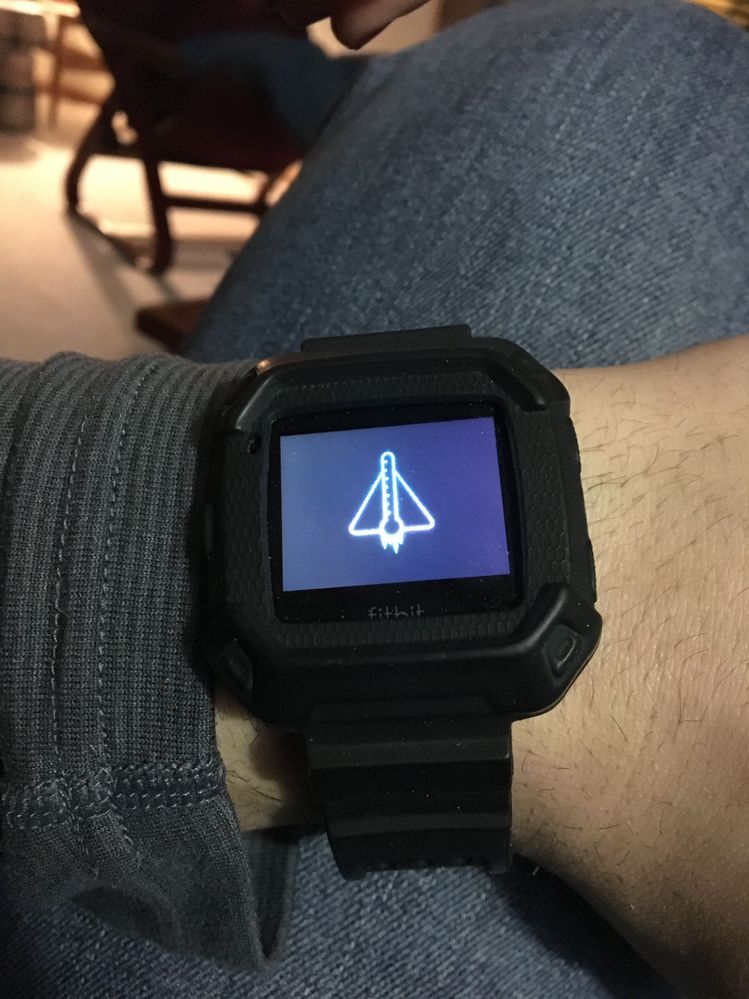
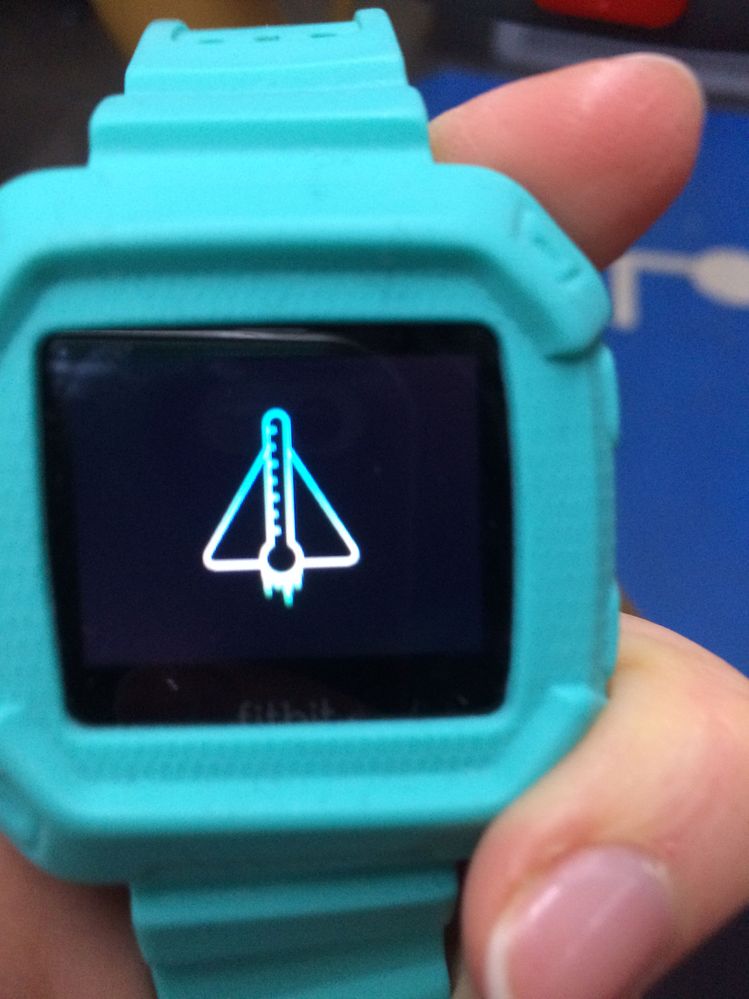
My Fitbit Blaze displays a triangle and thermometer symbol with icicle's! I cannot clear the screen by re-set or the time honored off and on. I can't sync with PC. The room temperature the device was charging in is 20oC - normal. It has never done this before, even when training in 5oC weather!
Please help, I love my Fitbit am a little lost without it 😞
Moderator edit: Subject for clarity
 Best Answer
 Fitbit Product Experts Alumni are retired members of the Fitbit Product Expert Program. Learn more
That's a new one on me!
I know you have tried the restart but this procedure is known to not always work so it may be worth trying it again a few more times. Procedure below for those reading this and not familiar with it:


@BigTuna wrote:I’m having similar issues. Stuck on cold screen while indoors. Unable to reset or turn off and remains on the cold screen when connected to a PC or charger.
I don't actually know what I did to fix it but I tried the reset method a few times and then just held it in my hand to try to warm it up and it started working again. I haven't had the issue for a while now. I'm sorry I'm not much help since I just kept trying different things.


 Community Moderator Alumni are previous members of the Moderation Team, which ensures conversations are friendly, factual, and on-topic. Moderators are here to answer questions, escalate bugs, and make sure your voice is heard by the larger Fitbit team. Learn more
Great to see you here @mcozby17, @S.BEAR, @BigTuna welcome to the Community and @SteveH thanks for stopping by.
I appreciate the efforts in trying to fix this issue, please confirm you are doing the following to restart your trackers:
- Press and hold the back (left) and bottom buttons until you see the Fitbit logo on the screen. This should take less than 10 seconds.
- Let go of the buttons.
Also, if you can provide me with some pictures of the icon you are seeing would be great.
I hope this helps, let me know the outcome. 
 Community Moderator Alumni are previous members of the Moderation Team, which ensures conversations are friendly, factual, and on-topic. Moderators are here to answer questions, escalate bugs, and make sure your voice is heard by the larger Fitbit team. Learn more
Thanks for the update and for the attachment @BigTuna. Since the instructions provided didn't work, I recommend keeping an eye on your inbox for further assistance.
See you around. 

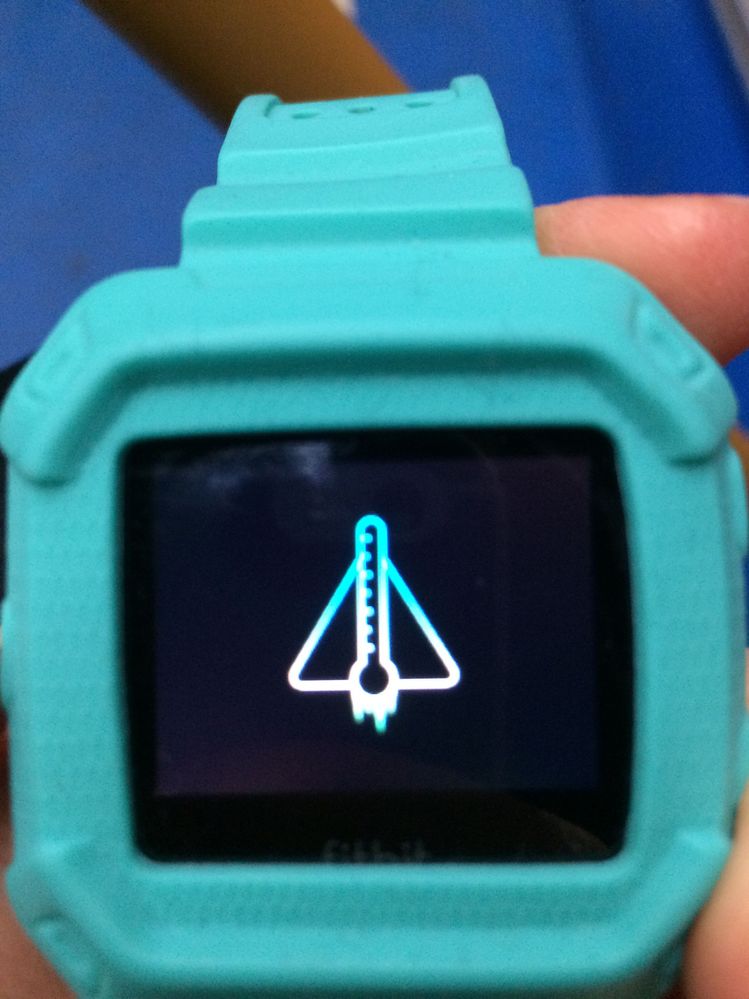
Hello, this is the screen it used to happen once every couple of months now it’s every other day!!!
Best Answer

Wow, I'm getting the same thing but it says it's too hot! Been stuck on this all day. If you found a way to fix this, please share.
Best Answer
No solution I’m afraid. They just sent me a replacement because it was
still under warranty but the replacement they send are refurbished watches
and it ended up doing the same thing within days of receiving it. Then I
had to fight with customer service as they didn’t believe me... they
finally sent another one it’s working so far but the same thing will
eventually happen it’s a default with all watches. If yours is not under
warranty all you can do is get use to it and start saving for something a
bit more serious like tomtom or Garmin 🙁 sorry
--
Sophie Coureau
Best Answer
Wait for it 😔 first time it happen to me it didn’t happen again for a couple of months then I got the error and it happened again a couple of weeks later, then it was only a few days apart until the watch pretty much became useless 50% of the time.
Best Answer
Sent from my iPhone
Best Answer
hasn't done it since.
Best Answer
Hiya, the warranty is 1 year but if you reside and bought it (I assume) in the EU it's extended to 2 years, that's how I managed to get mine exchanged.
Maybe they have the same things in other countries? You should definitely check the website!
Hope you can get it fix!
Best Answer
Sent from my iPhone
Best Answer