
Join us on the Community Forums!
-
Community Guidelines
The Fitbit Community is a gathering place for real people who wish to exchange ideas, solutions, tips, techniques, and insight about the Fitbit products and services they love. By joining our Community, you agree to uphold these guidelines, so please take a moment to look them over. -
Learn the Basics
Check out our Frequently Asked Questions page for information on Community features, and tips to make the most of your time here. -
Join the Community!
Join an existing conversation, or start a new thread to ask your question. Creating your account is completely free, and takes about a minute.
Not finding your answer on the Community Forums?
- Community
- Product Help Forums
- Blaze
- Re: Fitbit Blaze not registering when I workout
- Mark Topic as New
- Mark Topic as Read
- Float this Topic for Current User
- Bookmark
- Subscribe
- Mute
- Printer Friendly Page
- Community
- Product Help Forums
- Blaze
- Re: Fitbit Blaze not registering when I workout
Fitbit Blaze not registering when I workout
- Mark Topic as New
- Mark Topic as Read
- Float this Topic for Current User
- Bookmark
- Subscribe
- Mute
- Printer Friendly Page


@Second1314 with three different ways of recording a workout, which of the three ate you using?
-Let Fitbit decide
-Manualy start from tracker
-Manuallyadd from the app or web, there are also two ways to add using the web.
Would you slso be able to elaborate as to what type of workout?
 Best Answer
 Fitbit Product Experts Alumni are retired members of the Fitbit Product Expert Program. Learn more
@Second1314 I always use the 'Exercise' function when I workout. Right before you begin, Just swipe over to Excercise on your Blaze and then pick the appropriate activity. The activities are customizable through your settings (Exercise Shortcuts). Press start at the beginning and then press stop when you're done.

@DiahannB, yes it is anoying.
Which method of recording was used to track the workout?
What type of workout (s) where you doing?
Did you look at @Jrdubyakc post above, she explains how to gaurentee a correctly recorded event.
Best Answer
@DiahannB when you say 38 minutes, or you refferring to exercise minutes or active minutes? Screen shots could be helpful.
Yon mention weight session and cardio, what multisport mode do you put the tracker in for these. I see there is a weights mode, but do not see cordio. Are you using workout.
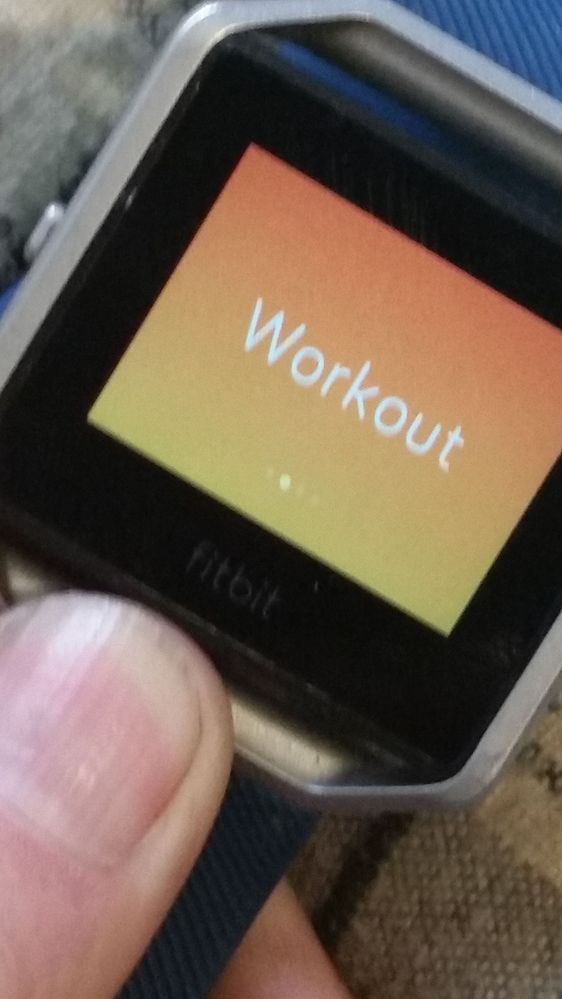

When I did cardio workouts with bodyweight etc. I used Workout in workout mode to track it. Really strange that it doesn't work for you.
That is why I say that Fitbit isn't a sport watch, just a lifestyle product. Due to problems with connected GPS and that annoying screen off after a few seconds so that I had to wave my arms or slap on the Blaze (not possible during Planks and Push-Ups) I changed to a sport watch from another brand.
Best Answer
This simplyis weird, i can start one of these modes, and 5 seconds latwr stop it. After a sync it dhows in the app.
A manual entry of this should be showing the whole time that it was in the recording mode. Active minutes are another story and probably will not be inclusive.
Best Answer