Join us on the Community Forums!
-
Community Guidelines
The Fitbit Community is a gathering place for real people who wish to exchange ideas, solutions, tips, techniques, and insight about the Fitbit products and services they love. By joining our Community, you agree to uphold these guidelines, so please take a moment to look them over. -
Learn the Basics
Check out our Frequently Asked Questions page for information on Community features, and tips to make the most of your time here. -
Join the Community!
Join an existing conversation, or start a new thread to ask your question. Creating your account is completely free, and takes about a minute.
Not finding your answer on the Community Forums?
- Community
- Features
- Fitbit App Gallery
- Re: FITBOY (…a dream..)
- Mark Topic as New
- Mark Topic as Read
- Float this Topic for Current User
- Bookmark
- Subscribe
- Mute
- Printer Friendly Page
- Community
- Features
- Fitbit App Gallery
- Re: FITBOY (…a dream..)
FITBOY (…a dream..)
- Mark Topic as New
- Mark Topic as Read
- Float this Topic for Current User
- Bookmark
- Subscribe
- Mute
- Printer Friendly Page


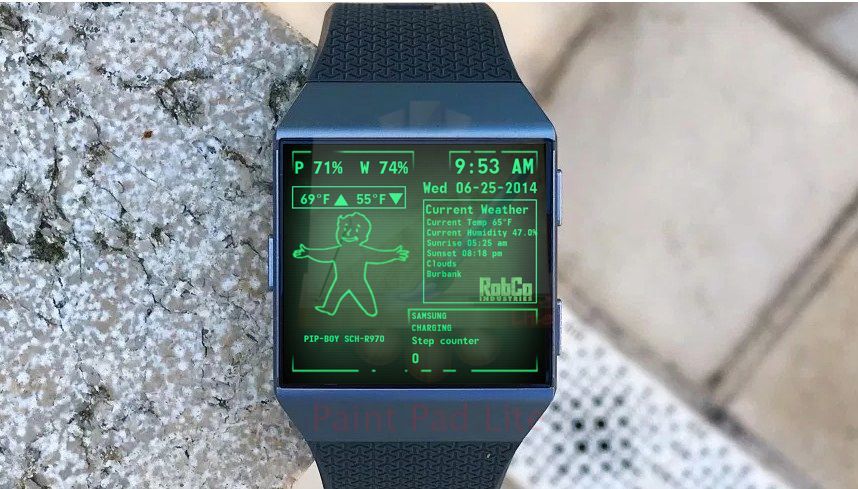
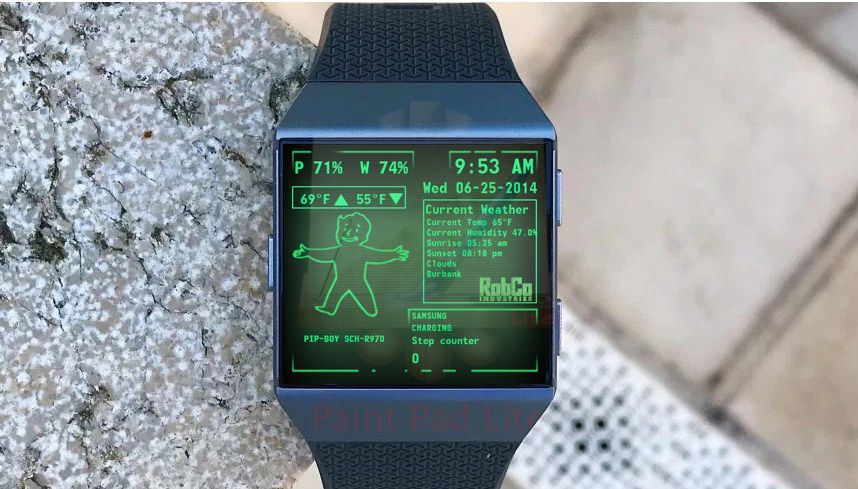

The new update to version 4
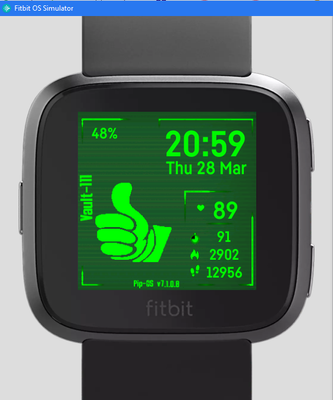
It has Fitbit versa lite update with new working stats
link to use the clock face is https://gam.fitbit.com/gallery/clock/fd2b5d43-05d2-4355-aa87-a9e4348c3681

Looks good LegoMasterjr900.
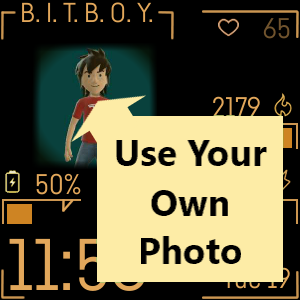
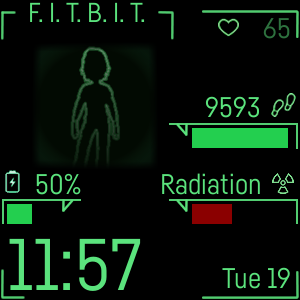
I have updated mine to support Fitbit Versa Lite.
Green - https://gam.fitbit.com/gallery/clock/a17532dc-6974-49c3-b8b1-6b27bdef75e5
Orange - https://gam.fitbit.com/gallery/clock/a6e4572b-3efe-4c88-987d-e9713fbc68ca
 Best Answer

 Community Moderators ensure that conversations are friendly, factual, and on-topic. We're here to answer questions, escalate bugs, and make sure your voice is heard by the larger Fitbit team. Learn more
Thanks so much for making a new version of your apps to the Versa Lite @LeiChat and @LegoMasterjr900! 
Was my post helpful? Give it a thumbs up to show your appreciation! Of course, if this was the answer you were looking for, don't forget to make it the Best Answer! Als...
Best Answer
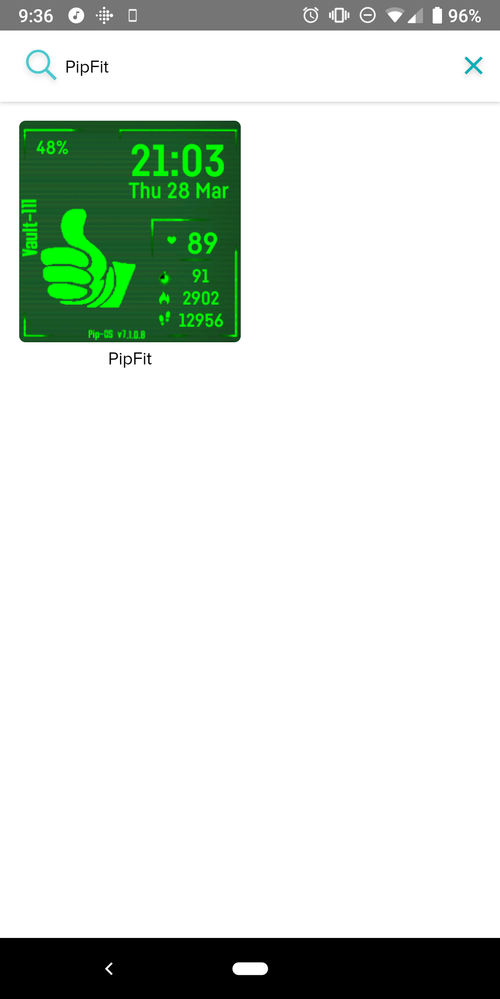
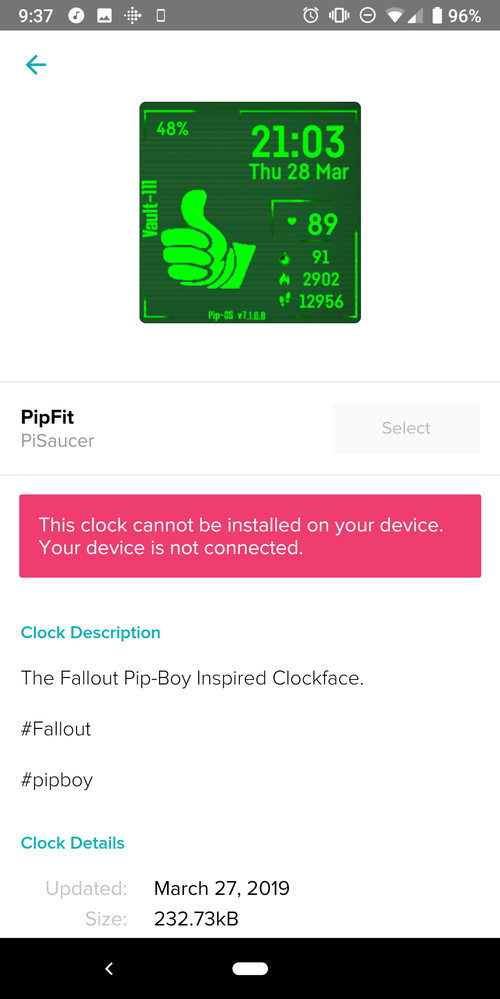
Now you can look for it without the link finally, more updates to come. If you have any new ideas for the clock face please tell me. ( edit: please mark as a complete answer)
Best Answer
Community Moderators ensure that conversations are friendly, factual, and on-topic. We're here to answer questions, escalate bugs, and make sure your voice is heard by the larger Fitbit team. Learn more
Thanks so much for the update @LegoMasterjr900!  I will tell @YojanaFitbit to try it out since she has the Versa Lite.
We will let you know how it goes and if we have some ideas or feedback, we'll let you know.
Thanks once again for this awesome clock face for new Versa Lite users!
Was my post helpful? Give it a thumbs up to show your appreciation! Of course, if this was the answer you were looking for, don't forget to make it the Best Answer! Als...

Not sure if you already released ot or not but this looks like the one that wasn't giving me any accurate stats.
Best Answer
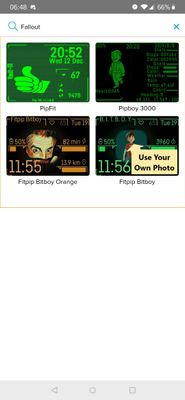
https://gallery.fitbit.com/details/5a986ced-d5f8-4334-88d9-9c0368f1a58c
This guy is currently using the vault boy. I love the little animated character!!!
Best Answer
Fitbit recently updated their gallery management software, which devs use to upload and publish clock faces and apps. Devs now have to agree to the following statement...
By clicking this box, you represent and warrant that you have all necessary rights, including all patent, trademark, trade secret, copyright or other intellectual property, publicity, or other proprietary rights, in and to your App. Do not check this box to submit material to Fitbit unless you own all such rights or have sufficient permission from their rightful owner(s) to submit the material.
If the dev for "Pipboy 3000" has not obtained a licence to include something that's trademarked then they probably shouldn't click the checkbox the next time they publish an update.
Hopefully they have permission then :P. I love the clock-face atm. The image is an animated one of the character walking. "I'm a wanderer" lyrics from fallout 4 always comes to mind haha.
Best Answer
Has this one left the store?
Best Answer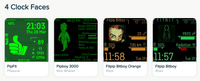
I've changed to Fitpip, although I love the walking Vault Boy, the Fitpip looks a bit more polished as an overall look. Also chosen a nice outline of a certain character as a custom background 😜
Best Answer
Thanks for the kind "polished" comment. That one is my creation.
Best Answer
SunsetRunner
Hi LeiChat,
I love the Fallout clock face and currently use it.
I have spotted a couple of things.
When the battery goes low, the battery meter turns red - which is a great feature. However, once recharged it stays red.
Also, I'm not sure why but I am unable to change the avatar. I have selected an alternative, but it doesn't seem to get 'pushed' to the watch.
I have a Fitbit Ionic.
Best Answer
Hi @SunsetRunner
Thanks for your kind comments.
Try switching to an app and back to the clock face.
I have submitted an update for review that will prevent the battery colour issue you've described. Should hopefully be approved and live in the next few days.
Do you have the same issue with adding pictures to other clock faces?
SunsetRunner
No worries - thanks for getting back to me on this 🙂
I think something must have been wrong with the Fitbit app or my Ionic recently as I've had syncing and wifi issues this week, so perhaps those issues were affecting the Fallout clock face...I'm not sure. Perhaps an update occurred recently without me noticing too...I'm not sure about that either.
Anyways, all works fine now. To fix the avatar issue, I deleted the Fitbit app off my phone and reinstalled the app (along with resetting up my wifi, which seemed to have randomly dropped out without me knowing) and now all is fine - working perfectly.
I did try swapping clock faces before I tried reinstalling the Fitbit app which didn't solve it.
I look forward to the update! I was able to fix the battery colour issue by doing a quick reset. After the reset it was green again. But it's great that you've done an update for that. Nice one.
Best Answer
 Best Answer