Join us on the Community Forums!
-
Community Guidelines
The Fitbit Community is a gathering place for real people who wish to exchange ideas, solutions, tips, techniques, and insight about the Fitbit products and services they love. By joining our Community, you agree to uphold these guidelines, so please take a moment to look them over. -
Learn the Basics
Check out our Frequently Asked Questions page for information on Community features, and tips to make the most of your time here. -
Join the Community!
Join an existing conversation, or start a new thread to ask your question. Creating your account is completely free, and takes about a minute.
Not finding your answer on the Community Forums?
- Community
- Product Help Forums
- Ionic
- Re: Cannot delete alarms on Ionic
Options
- Mark Topic as New
- Mark Topic as Read
- Float this Topic for Current User
- Bookmark
- Subscribe
- Mute
- Printer Friendly Page
Turn on suggestions
Auto-suggest helps you quickly narrow down your search results by suggesting possible matches as you type.
- Community
- Product Help Forums
- Ionic
- Re: Cannot delete alarms on Ionic
Cannot delete alarms on Ionic
ANSWEREDOptions
- Mark Topic as New
- Mark Topic as Read
- Float this Topic for Current User
- Bookmark
- Subscribe
- Mute
- Printer Friendly Page
Replies are disabled for this topic. Start a new one or visit our Help Center.

Jogger
2
0
0
So, I have been trying endlessly to delete alarms from my Ionic because I have a message telling me I cannot add new alarms until I delete older ones. Well, when I log into fitbit.com there is no option to do that (and from what I have read Fitbit took that away for the Ionic -- strange) and when I "long press" the alarm on the Ionic itself nothing happens whatsoever. I am beyond frustrated now and am hoping someone has some information on this and how to actually delete an alarm on the Ionic.
Kevin
Answered! Go to the Best Answer.
 Best Answer
1 BEST ANSWER
Accepted Solutions

4 REPLIES 4

SunsetRunner
Not applicable
0
0
0
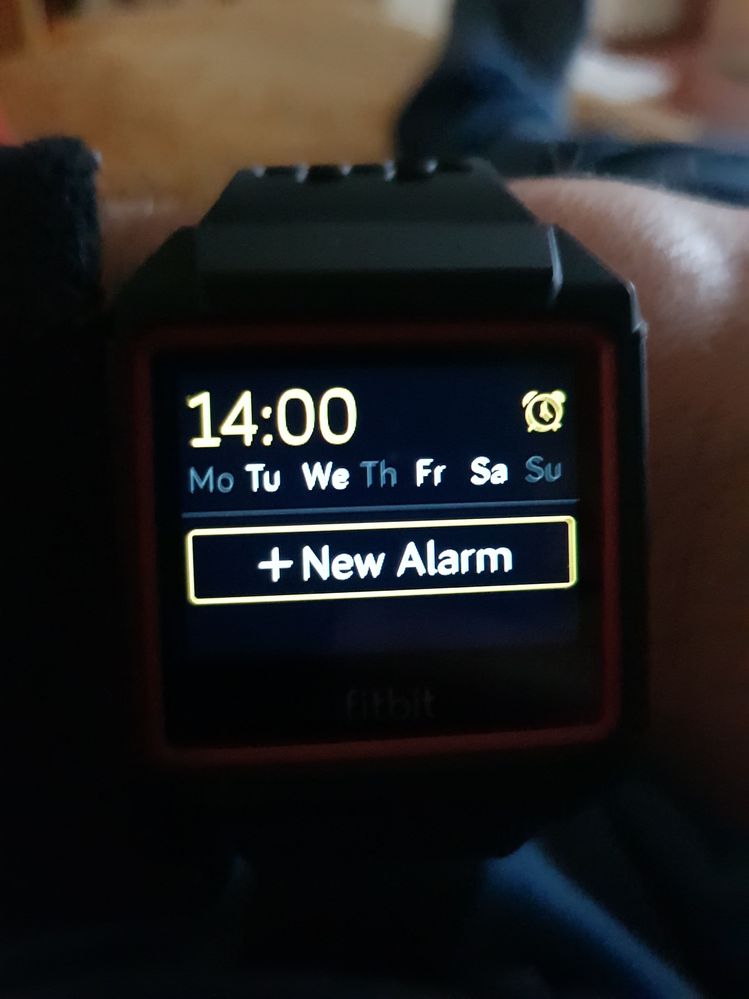
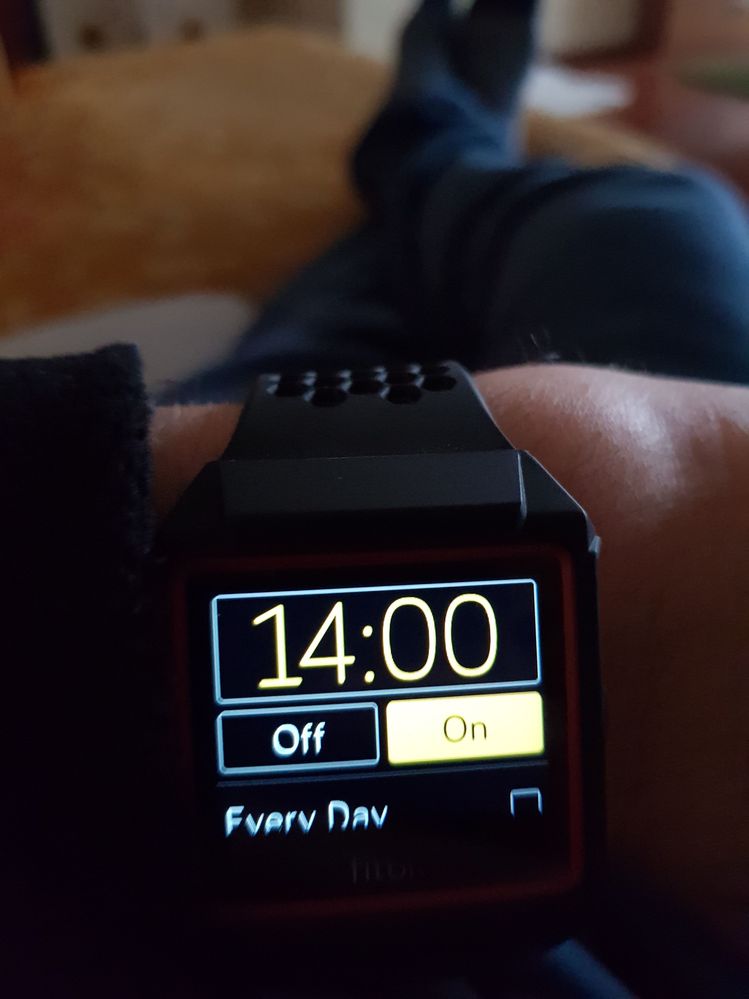
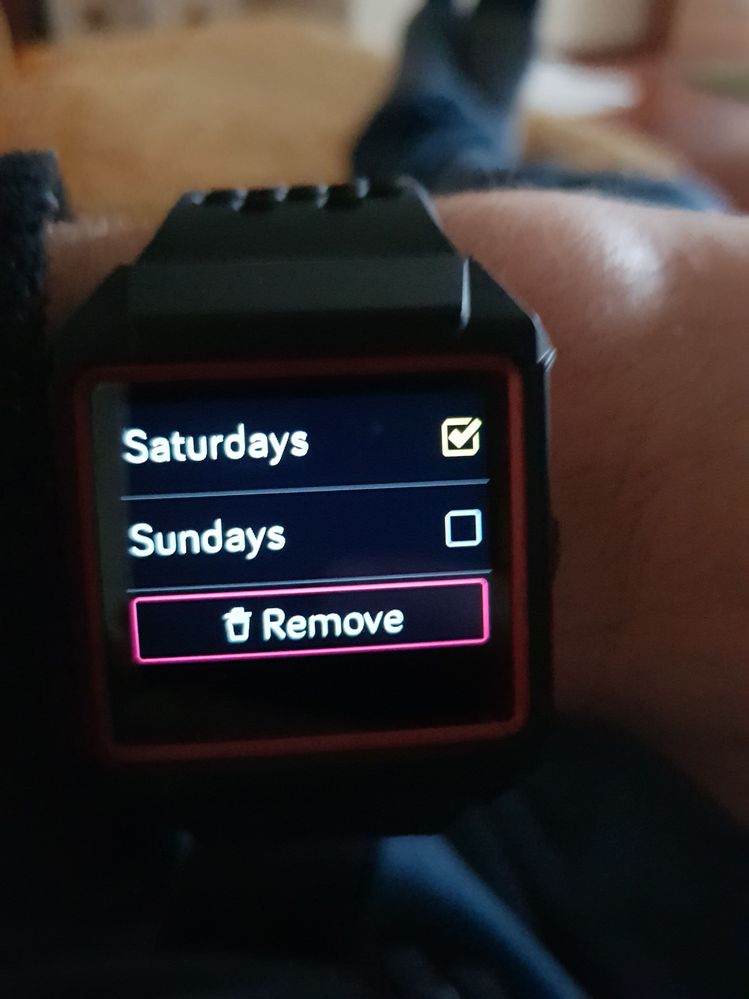
To be specific, tap anywhere on the alarm time, but NOT the little clock icon to the right. Tapping the clock icon will only turn the alarm on/off.