
Join us on the Community Forums!
-
Community Guidelines
The Fitbit Community is a gathering place for real people who wish to exchange ideas, solutions, tips, techniques, and insight about the Fitbit products and services they love. By joining our Community, you agree to uphold these guidelines, so please take a moment to look them over. -
Learn the Basics
Check out our Frequently Asked Questions page for information on Community features, and tips to make the most of your time here. -
Join the Community!
Join an existing conversation, or start a new thread to ask your question. Creating your account is completely free, and takes about a minute.
Not finding your answer on the Community Forums?
- Community
- Product Help Forums
- Other Charge Trackers
- Re: Fitbit Flight game
- Mark Topic as New
- Mark Topic as Read
- Float this Topic for Current User
- Bookmark
- Subscribe
- Mute
- Printer Friendly Page
- Community
- Product Help Forums
- Other Charge Trackers
- Re: Fitbit Flight game
Fitbit Flight game
- Mark Topic as New
- Mark Topic as Read
- Float this Topic for Current User
- Bookmark
- Subscribe
- Mute
- Printer Friendly Page
01-11-2017
14:14
- last edited on
09-09-2020
10:13
by
MatthewFitbit


01-11-2017
14:14
- last edited on
09-09-2020
10:13
by
MatthewFitbit
My Fitbit Charge 2 now has a game called Fitbit Flight. Where did this come from and how do I remove it? In the Android Fitbit app it does not appear in Menu Items so I am unable to remove or reposition it.
My wife's Charge 2 does not have the game for some reason!
Any help appreciated...
Thanks

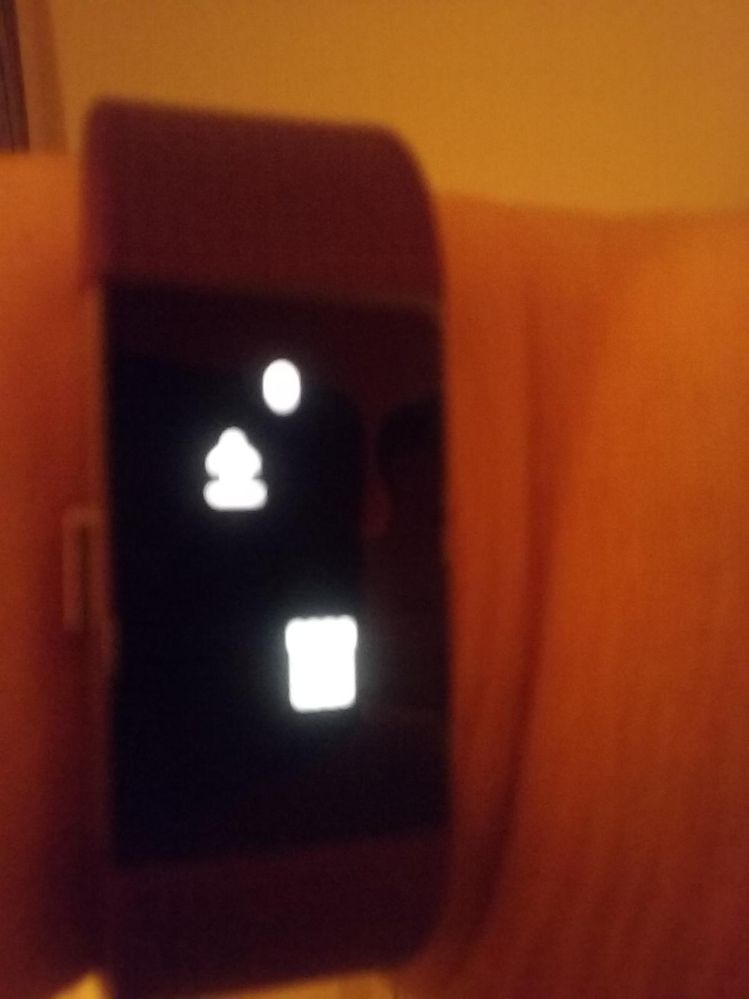
You cannot fall on the little things that look like castles, also you can't fall into the blackness of the screen. Hope this helps!
@Way2Far wrote:My Charge 2 has also just got this game installed. My question is how do you play it.
 Best Answer
All you have to do is ignore it, it does not do anything to disturb you, actually it is quite fun!
Best Answer
Last night I had the game woke up this morning a and I don’t have it
Best Answer
@Workout2023 yesterday you hit all your daily goals, today you haven't hit them yet. Once all your top goals go green you will have the game.

Cheer up it's not the end of the world
If your surrounded by little kids who like seeing the colours light up when they tap it it's actually pretty fun
Best Answer
That makes no sense. I said that I would recommend it being permanently added or where you could add it to your Fitbit because when I try to reach my goal, it does not work.
Best Answer
It is not just one goal that needs to be reached.
Steps
Calories
Distance
Floors
Active minutes
If one of the above goals are not meet, then no game will be offered.
11-09-2018 12:52 - last edited on 02-24-2020 13:43 by LiliyaFitbit

11-09-2018 12:52 - last edited on 02-24-2020 13:43 by LiliyaFitbit
I get the Flappy Bird game when I’ve met all of these daily goals:
Steps, active minutes, Flights/Floors, Steps
and steps per working hour…
After midnight the game is gone and must I ‘earn’ it again😓
You can enter and leave the game by pressing & holding the button of the
Fitbit for at least a second.
Happy exercizing!
--
Met vriendelijke groet,
Moderator edit: personal info removed
Best Answer
Mines gone after one night my game disappeared when I woke up but I have hit all my goals and still not back I liked the game and I’m wanting to know what happend any ideas ?
Best Answer11-14-2018 13:55 - last edited on 02-24-2020 13:44 by LiliyaFitbit
11-14-2018 13:55 - last edited on 02-24-2020 13:44 by LiliyaFitbit
Reach all goals again…
All daily goals and steps per (working) hour…
--
Met vriendelijke groet,
Moderator edit: personal info removed
Might it have something to do with the chatter setting?
Best Answer
@Danny1001H first I'm assuming that you have a Charge 2 since this the only model that has this option.
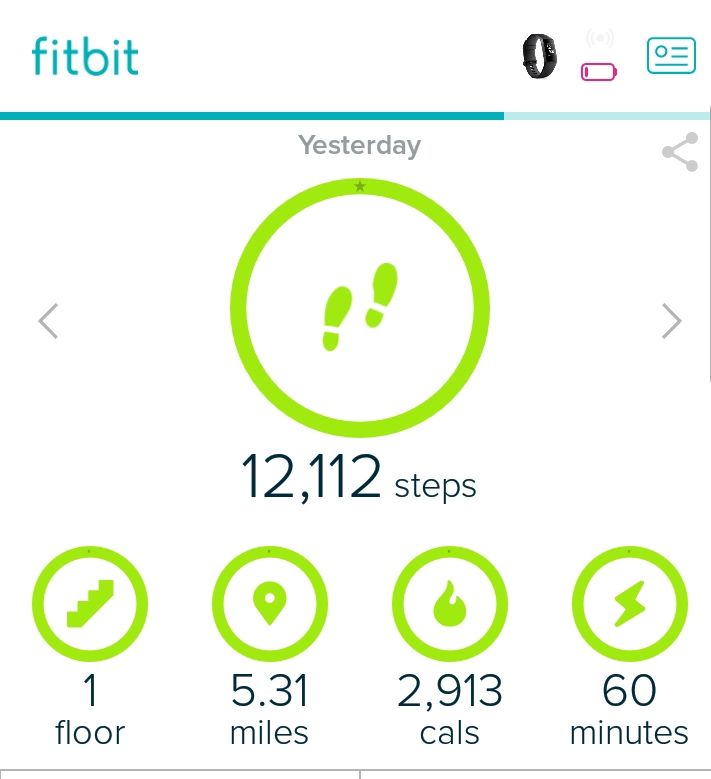
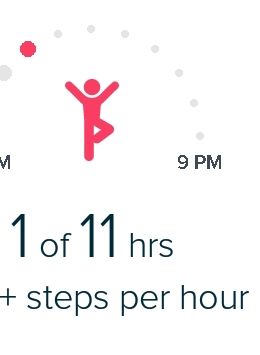
When you say that you hit all your goals. Your whole dashboard should be green and all your active hours will need to be full.
Now tap the button till you see the new option for the game .

You press the navigation button on the side to keep the little person afloat without hitting the castles above or below.
Best Answer
