
Join us on the Community Forums!
-
Community Guidelines
The Fitbit Community is a gathering place for real people who wish to exchange ideas, solutions, tips, techniques, and insight about the Fitbit products and services they love. By joining our Community, you agree to uphold these guidelines, so please take a moment to look them over. -
Learn the Basics
Check out our Frequently Asked Questions page for information on Community features, and tips to make the most of your time here. -
Join the Community!
Join an existing conversation, or start a new thread to ask your question. Creating your account is completely free, and takes about a minute.
Not finding your answer on the Community Forums?
- Community
- Product Help Forums
- Ionic
- Re: Screen display wrist sensitivity
- Mark Topic as New
- Mark Topic as Read
- Float this Topic for Current User
- Bookmark
- Subscribe
- Mute
- Printer Friendly Page
- Community
- Product Help Forums
- Ionic
- Re: Screen display wrist sensitivity
Screen display wrist sensitivity
- Mark Topic as New
- Mark Topic as Read
- Float this Topic for Current User
- Bookmark
- Subscribe
- Mute
- Printer Friendly Page

Hi,
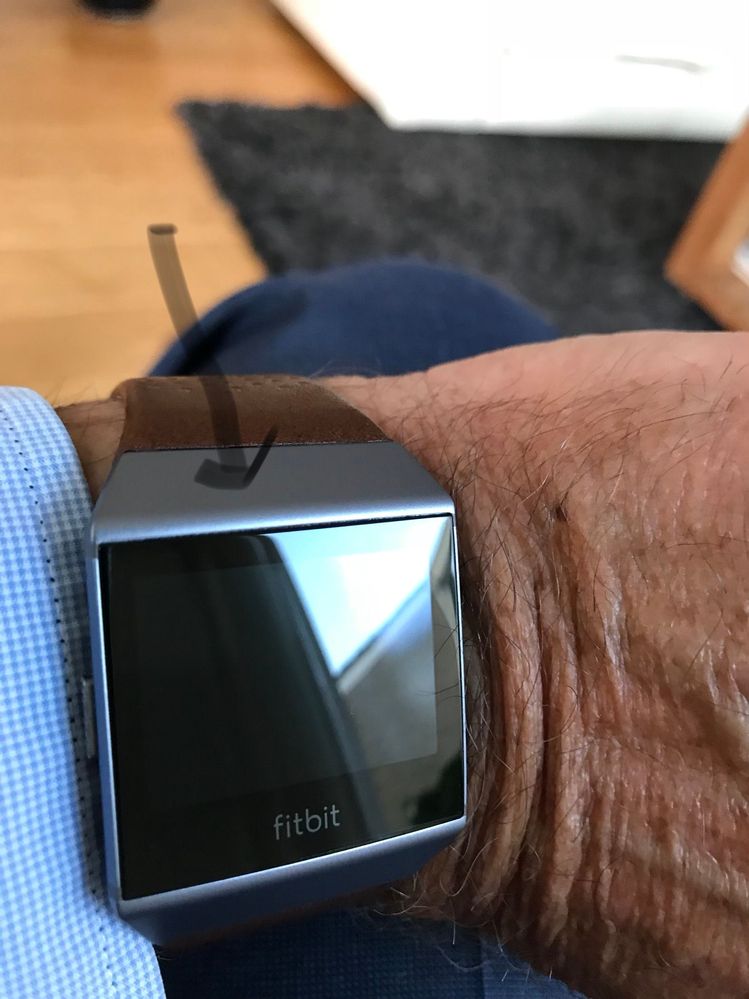
I sometimes feel I needs to make more effort for the screen to activate. A slow turn of the wrist does nothing ( screen stays black) - is this normal ?
And if i am lying down, I will need to rotate my wrist a few times before the screen displays anything - is this how it's supposed to be ?? I would expect my ionic display/screen to react a little faster ....
also, touching the screen will sometime do nothing when it's supposed to activate the screen.

SunsetRunner
Mine doesn't wake up at all unless I press the button, or double tap really hard. I had the Surge and Charge 2 prior, the displays both "woke up" with an acceptable amount of sensitivity though the Charge 2 was too sensitive, I think. Hopefully the next update will include a more sensitive adjustment.

I received my ionic yesterday, set it up and everything worked fine. Now it doesn't wake up unless I double tap or press button. Just a little frustrating !
It can be frustrating spending multiple attempts just trying to see the time !
Sent from my iPhone

I had the same issue and contacted support. It was so simple to fix! From the main display swipe to the right to go to settings and make sure that "Screen Wake" is in Auto and not Manual. That was my issue. Once I fixed this it works like a charm.
I am sorry to hear this. Try to use Support Chat. They have always been very helpful. Please let us know how it went.
 Best Answer

Best Answer
Mine is hard to wake as well even in auto. Tapping screen hardly works once asleep for a while. Turning wrist while doing spinning today only worked half the time... I'm not happy at all!



Thanks for sharing the YouTube video. So useful to see how my device should have been working! Does your ionic respond well with the screen tap feature ( tapping the screen to activate the display even if the device had been 'sleeping' for a few mins )?
Fitbit agreed to send me a replacement ionic . I returned my faulty device 5 days ago so hoping the new one is one its way.
Thanks again for sharing the video
Sent from my iPhone
Best Answer
How are you finding the ionic generally ? I actually enjoyed most of the functions and am missing the device while I wait for a replacement!
Sent from my iPhone
Best Answer
Mine works perfectly. Much more reliable then it ever was on my Blaze.
 Best Answer
Same thing happened to me after about 3 days I’m wondering if because the battery is below 50% it stops turning screen on unless you tap it or press button?
Best Answer